
Transfer a Prescription Online: A Step-by-Step Guide
Transfer a Prescription Online: A Step-by-Step Guide
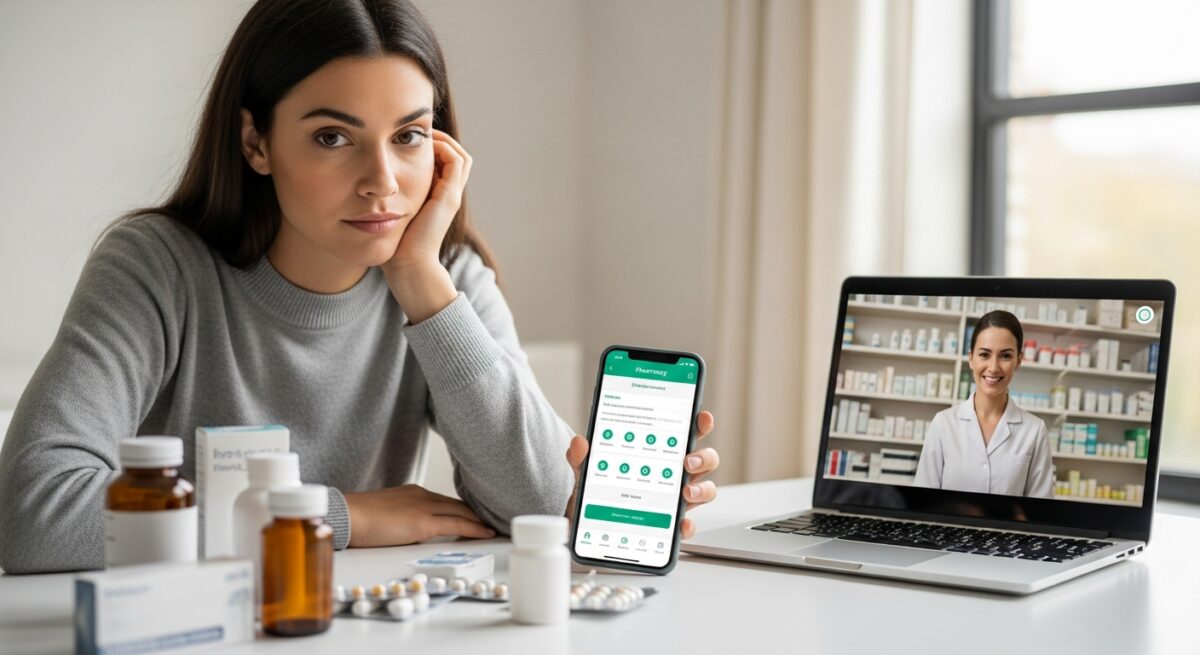
Managing your medications should be simple, not a source of stress. Whether you’re moving, found a better price, or simply want the convenience of home delivery, transferring a prescription online can streamline your healthcare routine. This process allows you to move an existing prescription from your local pharmacy to a trusted online pharmacy or a telemedicine platform’s partner pharmacy with just a few clicks. Understanding how to transfer a prescription online correctly ensures you maintain uninterrupted access to your medication while potentially saving money and time. This guide will walk you through every step, clarify what you need, and highlight the benefits of modern digital prescription management.
Understanding Prescription Transfers
A prescription transfer is the official process of moving a prescription’s management from one pharmacy to another. It is a common and legal practice governed by state pharmacy boards and federal regulations. When you initiate a transfer to an online pharmacy, the new pharmacy contacts your old pharmacy to obtain all necessary prescription information, including the drug name, dosage, prescriber details, refills remaining, and the original prescription date. This is not creating a new prescription, it is simply changing where an existing, valid prescription is filled. The convenience is significant, especially for maintenance medications for chronic conditions, as it centralizes your care and can often lead to cost savings through competitive pricing and automatic refill programs. It’s important to distinguish this from obtaining a new prescription via a telemedicine consultation, which is a separate service for initial diagnoses and treatments.
What You Need Before You Start
Gathering the right information beforehand makes the transfer process smooth and fast. You will need details from both your current prescription bottle and your chosen online pharmacy. Having this information at your fingertips prevents delays and ensures accuracy.
To successfully transfer your prescription, you should have the following items ready:
- Your current prescription bottle: This provides the exact drug name, strength, prescription number, and your prescribing doctor’s information.
- Your personal details: Your full name, date of birth, and contact information as they appear on file at your current pharmacy.
- Your current pharmacy’s information: The name, phone number, and address of the pharmacy where the prescription is currently active.
- Your preferred online pharmacy account: An active account with the digital pharmacy or platform you are transferring to.
- Your payment and insurance information: Have your insurance card and preferred payment method ready for the new pharmacy’s setup.
With these details assembled, you are prepared to begin the actual transfer process. Most online platforms have designed their systems to use this information efficiently, minimizing the work required on your part.
The Step-by-Step Transfer Process
The actual steps to transfer a prescription online are straightforward and user-centric. While the exact interface may vary between platforms like Doctors Home’s partner services, major retail chains with online portals, or dedicated mail-order pharmacies, the core workflow is consistent. Following these steps ensures a successful transfer.
Step 1: Choose Your Online Pharmacy
Your first decision is selecting a reputable online pharmacy or telemedicine platform. Look for services that are VIPPS (Verified Internet Pharmacy Practice Sites) accredited, which indicates they meet stringent national standards for safety and practice. Consider factors like cost (both with and without your insurance), shipping speed and costs, customer service availability, and automatic refill options. Many patients choose to transfer prescriptions to online pharmacy networks associated with their telemedicine provider for a seamless care experience, while others opt for large, established mail-order services affiliated with their insurance.
Step 2: Initiate the Transfer Request
Once you have an account, navigate to the “Transfer Prescription” section on the website or mobile app. You will be prompted to enter the information you gathered earlier: the prescription details from your bottle and your current pharmacy’s contact information. Some platforms offer the ability to transfer multiple prescriptions at once, which is a huge time-saver for managing several medications. After you submit this request, the online pharmacy’s licensed pharmacists take over. They legally contact your previous pharmacy to verify and transfer the prescription data. You typically do not need to call your old pharmacy yourself, though in some rare cases they may call you to confirm the transfer for security purposes.
Step 3: Verification and Confirmation
This is the behind-the-scenes phase where the pharmacies communicate. The transferring pharmacist at your old pharmacy provides all required information to the receiving pharmacist at the online pharmacy. This professional-to-professional contact is a key safety check. Once the transfer is complete, you will receive a notification via email, text, or within your online account. This confirmation will include the transferred prescription details, the price (often with a cost comparison), and the expected shipping date. It is crucial to review this information for accuracy. If there are any issues, such as a refill limit being reached or a need for prescriber authorization, the online pharmacy will inform you of the next steps.
Common Challenges and How to Solve Them
While the process is generally smooth, you may encounter occasional hurdles. Being aware of these potential challenges can help you resolve them quickly. One common issue involves controlled substances. Regulations for Schedule II medications (like certain ADHD or pain medications) are extremely strict and often cannot be transferred at all, or may have very limited transfer allowances. For other controlled substances (Schedules III-V), federal law typically allows a one-time transfer between pharmacies. It’s essential to check both federal and your state’s specific rules. Another challenge is transferring a new prescription that has no refills left. If your prescription has expired or has zero refills remaining, the online pharmacy cannot transfer it. In this case, you would need to contact your prescriber for a new prescription, which you could then send directly to the online pharmacy. For certain conditions, a telemedicine consultation may be an efficient path to a new prescription. For example, our guide on how to get a birth control prescription online safely outlines a similar digital care pathway.
Benefits of Using an Online Pharmacy
Transferring your prescription online unlocks several advantages that go beyond mere convenience. First is potential cost savings. Online pharmacies often have lower overhead than brick-and-mortar stores and may offer competitive cash prices, manufacturer coupons, or generic drug programs that significantly reduce out-of-pocket expenses. Second is the automation of refills. You can typically set up automatic refills and shipments, which is a powerful tool for medication adherence, ensuring you never run out of important chronic disease management drugs. Home delivery eliminates trips to the pharmacy, saving you time and travel, which is especially valuable for those with mobility issues or busy schedules. Finally, it centralizes your medication management. Many online pharmacy platforms provide robust digital tools to view all your medications, set reminders, track shipment history, and access educational resources in one secure dashboard.
Frequently Asked Questions
Can I transfer any prescription online?
Most common prescriptions for maintenance medications can be transferred. However, controlled substances, particularly Schedule II drugs (like oxycodone or Adderall), face strict federal and state restrictions and are often non-transferable. Always check with the specific online pharmacy regarding their policy on controlled substances.
How long does an online prescription transfer take?
The process usually takes between 24 to 72 hours for completion, not including shipping time. Simple transfers can be same-day, while those requiring clarification between pharmacists or prescriber authorization may take longer.
Is it safe to transfer a prescription to an online pharmacy?
Yes, provided you use a licensed and accredited pharmacy. Always verify the pharmacy’s legitimacy by looking for the VIPPS seal, checking their state license status, and ensuring they require a valid prescription from a healthcare provider. Avoid sites that sell prescription drugs without a prescription.
Will my insurance cover prescriptions from an online pharmacy?
Many insurance plans have preferred mail-order pharmacy options and will cover transfers to those specific services. You should contact your insurance provider or check your plan’s formulary to understand coverage, copay differences, and any network requirements before transferring.
Can I transfer only part of my prescription (like a few refills)?
Generally, the entire prescription, including all remaining refills, is transferred to the new pharmacy. Some states may allow partial transfers under specific circumstances, but this is not the standard practice. The original pharmacy usually voids the remaining refills on their end once the transfer is complete.
Taking control of your medication management through online prescription transfers is a practical step toward more convenient and often more affordable healthcare. By following the clear steps outlined above and choosing a reputable digital pharmacy, you can ensure a seamless transition. This modern approach to pharmacy services aligns with the broader shift toward patient-centered, accessible digital health solutions, putting your health and time first.
About the Author: Jessica Martinez





Sign up for our newsletter and Save 20% on Test Kits
"*" indicates required fields