
How a Doctor Check Up by Video Works for Remote Consultations
How a Doctor Check Up by Video Works for Remote Consultations
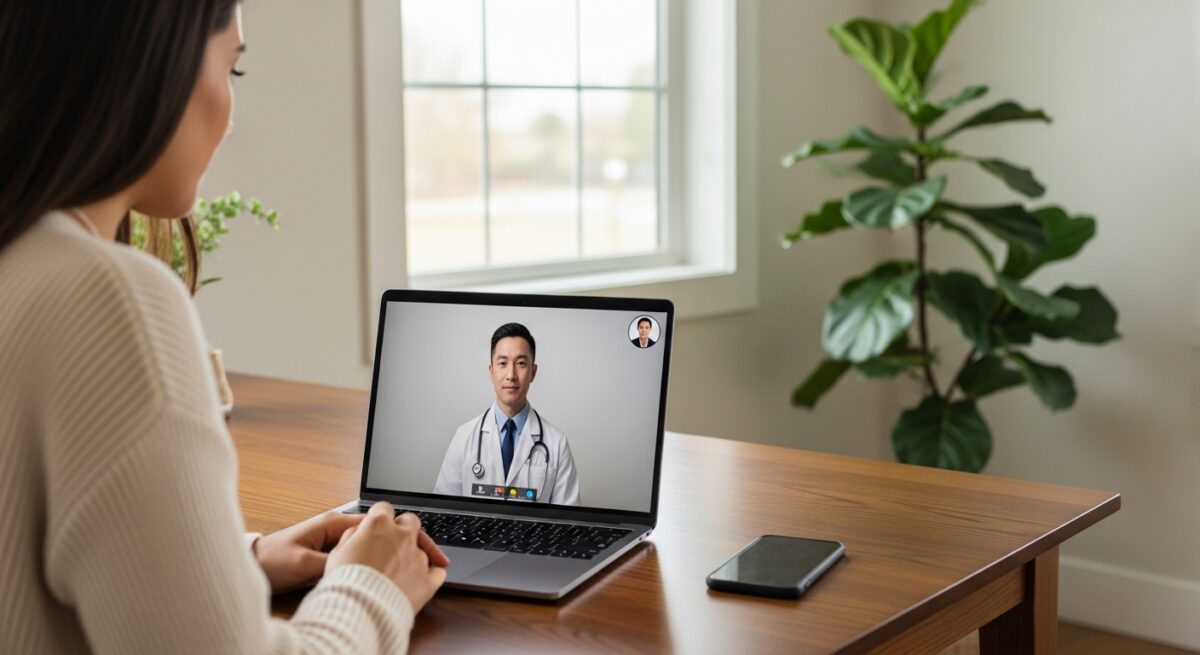
Imagine receiving a thorough medical consultation from the comfort of your living room, avoiding a crowded waiting room, a long commute, and hours of lost time. This is the reality of a doctor check up by video, a cornerstone of modern telemedicine that has transformed how millions access healthcare. A video medical consultation is not a watered-down version of care, but a robust, secure, and highly effective method for diagnosing, managing, and treating a wide array of health conditions. It leverages familiar technology to create a direct, real-time connection between you and a licensed healthcare provider. This article provides a comprehensive look at how remote consultations work, from the technology that powers them to the step-by-step process of your virtual visit, empowering you to navigate this convenient healthcare option with confidence.
The Technology and Security Behind Video Consultations
The foundation of any effective video medical consultation is a combination of accessible technology and ironclad security. For patients, the requirements are intentionally simple: a smartphone, tablet, or computer with a camera, microphone, and speaker, along with a stable internet connection. Most platforms are designed to work through a standard web browser or a dedicated, user-friendly mobile app, eliminating the need for specialized equipment. This accessibility is a key driver in expanding healthcare access to rural communities, individuals with mobility challenges, and busy professionals.
On the provider side, the technology is more sophisticated but remains invisible to the patient. Platforms integrate with electronic health record (EHR) systems, allowing the doctor to view your medical history, document the visit, and send prescriptions electronically to your pharmacy. The most critical technological component, however, is security. Reputable telemedicine services use end-to-end encryption for all audio, video, and data transmitted during the consultation. This means your conversation and any information shared are scrambled and can only be deciphered by you and your doctor, ensuring compliance with strict healthcare privacy laws like HIPAA (Health Insurance Portability and Accountability Act). Before choosing a platform, verifying its HIPAA-compliance is non-negotiable for protecting your personal health information.
Preparing for Your Virtual Doctor’s Appointment
A successful doctor check up by video requires a small amount of preparation to ensure the visit is as productive as an in-person appointment. First, you will need to complete a digital intake process. This typically involves creating a secure account, providing your basic demographics, insurance information (if applicable), and detailing your medical history and current symptoms. Having this information ready beforehand speeds up the process. It is also wise to prepare your physical space. Choose a quiet, private room with good lighting so the doctor can see you clearly, especially if your concern involves a visible symptom like a rash or swelling.
Gather any relevant items you might need to show the doctor or reference during the call. This preparation checklist can help ensure nothing is forgotten:
- Your government-issued ID and insurance card.
- A list of current medications, including dosages.
- Any recent vital signs you can measure at home, such as weight, temperature, or blood pressure.
- Photos of a visible condition (taken in good light) from different angles, if relevant.
- Notes on your symptoms: when they started, their severity, and what makes them better or worse.
- A list of questions you want to ask the doctor.
Finally, test your technology about 10 minutes before the appointment. Ensure your device is charged, your camera and microphone are enabled in the app or browser settings, and your internet connection is stable. Logging into the virtual waiting room a few minutes early helps resolve any last-minute technical hiccups and ensures your consultation starts on time.
The Step-by-Step Flow of a Remote Consultation
Understanding the typical flow of a video medical consultation demystifies the process and sets clear expectations. The experience is designed to be intuitive and mirror the structure of an in-office visit as closely as possible.
First, you will check in digitally. After logging into your patient portal, you will confirm your appointment and enter a virtual waiting room. Here, you might complete any last-minute forms. When the doctor is ready, you will receive a notification to start the video call, often with a single click. The consultation itself begins with verbal consent and a review of your presented symptoms and medical history. The doctor will then conduct a visual examination. They will ask you to position the camera, describe what they are looking for, and may ask you to perform simple self-examinations, such as pressing on an area of pain or moving a joint through its range of motion.
Following the assessment, the doctor will discuss their findings, provide a diagnosis or differential diagnosis, and outline a treatment plan. This is the core of the doctor check up by video. The treatment plan may include:
- Prescriptions: For appropriate conditions, the doctor can send an electronic prescription directly to your chosen pharmacy.
- Lifestyle Recommendations: Advice on diet, exercise, or other behavioral modifications.
- Orders for Testing: If lab work or imaging is needed, the doctor can order it electronically, and you can go to a local lab or imaging center.
- Follow-up Plan: Instructions on when to schedule a follow-up, either virtually or in-person, based on your progress.
- Referrals: If your condition requires specialized care, the doctor can provide a referral to an in-network specialist.
After the video call ends, you will receive a visit summary, the treatment plan, and any educational materials via your secure patient portal. Billing is handled electronically, often with a clear explanation of costs upfront, which helps patients manage healthcare costs effectively. For a deeper dive into the patient’s journey, our guide on how online doctor consultations work with telemedicine doctors provides additional practical insights.
Ideal Use Cases and Important Limitations
Video consultations are exceptionally well-suited for managing a broad spectrum of non-emergency medical needs. They excel in situations where a physical touch or complex procedure is not required. Common and effective use cases include follow-up visits for chronic conditions like diabetes or hypertension, mental health therapy and medication management, dermatological evaluations of skin conditions, urgent care for minor illnesses (colds, sinus infections, urinary tract infections), and reviewing diagnostic results like blood tests or X-rays. They are also invaluable for pre- and post-operative surgical consultations and for obtaining specialist opinions when geographic distance is a barrier.
However, it is crucial to understand the limitations of remote care. A video medical consultation cannot replace hands-on physical examinations for certain ailments. It is not appropriate for medical emergencies such as chest pain, severe shortness of breath, stroke symptoms, major trauma, or severe abdominal pain. In these cases, you must call 911 or go to the nearest emergency room immediately. Furthermore, conditions that require procedures like suturing, casting, or complex physical manipulation will necessitate an in-person visit. A responsible telemedicine provider will always err on the side of caution and direct you to appropriate in-person care when your situation falls outside the safe scope of remote practice.
Frequently Asked Questions About Video Check Ups
Are video consultations with a doctor as effective as in-person visits?
For the many conditions they are designed to treat, yes. Numerous studies show comparable health outcomes, high patient satisfaction, and effective diagnosis and management for appropriate uses like routine follow-ups, mental health, and minor illnesses.
Will my insurance cover a doctor check up by video?
Coverage has expanded dramatically. Most private insurers, Medicare, and Medicaid now cover telehealth services. It is always best to check with your specific insurance plan to understand your copay, coinsurance, or any visit requirements.
Can I get a prescription from a video consultation?
Yes, for appropriate conditions. Licensed providers can prescribe a wide range of medications electronically. However, they cannot prescribe controlled substances (like certain pain medications or ADHD drugs) via telemedicine in most cases without an established in-person relationship, due to federal regulations.
What if I have a technical problem during the call?
Most platforms have patient support staff available via phone or chat to help troubleshoot. If the video fails, the consultation can often continue as a phone call without interrupting care.
Is my privacy protected during a video medical consultation?
Absolutely, when using a HIPAA-compliant platform. Reputable services use encryption and secure data practices that meet or exceed the standards required for in-person clinic visits. Always confirm the platform’s HIPAA compliance before use.
The integration of video technology into healthcare delivery represents a significant leap forward in patient-centered care. A doctor check up by video offers a practical, secure, and efficient alternative for a wide range of healthcare needs, reducing barriers of time, distance, and convenience. By understanding how remote consultations work, from preparation to follow-up, you can confidently leverage this tool to take a more active role in managing your health. As telemedicine continues to evolve, it promises to become an even more seamless and integral part of a holistic, hybrid healthcare system, ensuring quality care is accessible whenever and wherever it is needed.
About the Author: Olivia Bennett




Sign up for our newsletter and Save 20% on Test Kits
"*" indicates required fields