
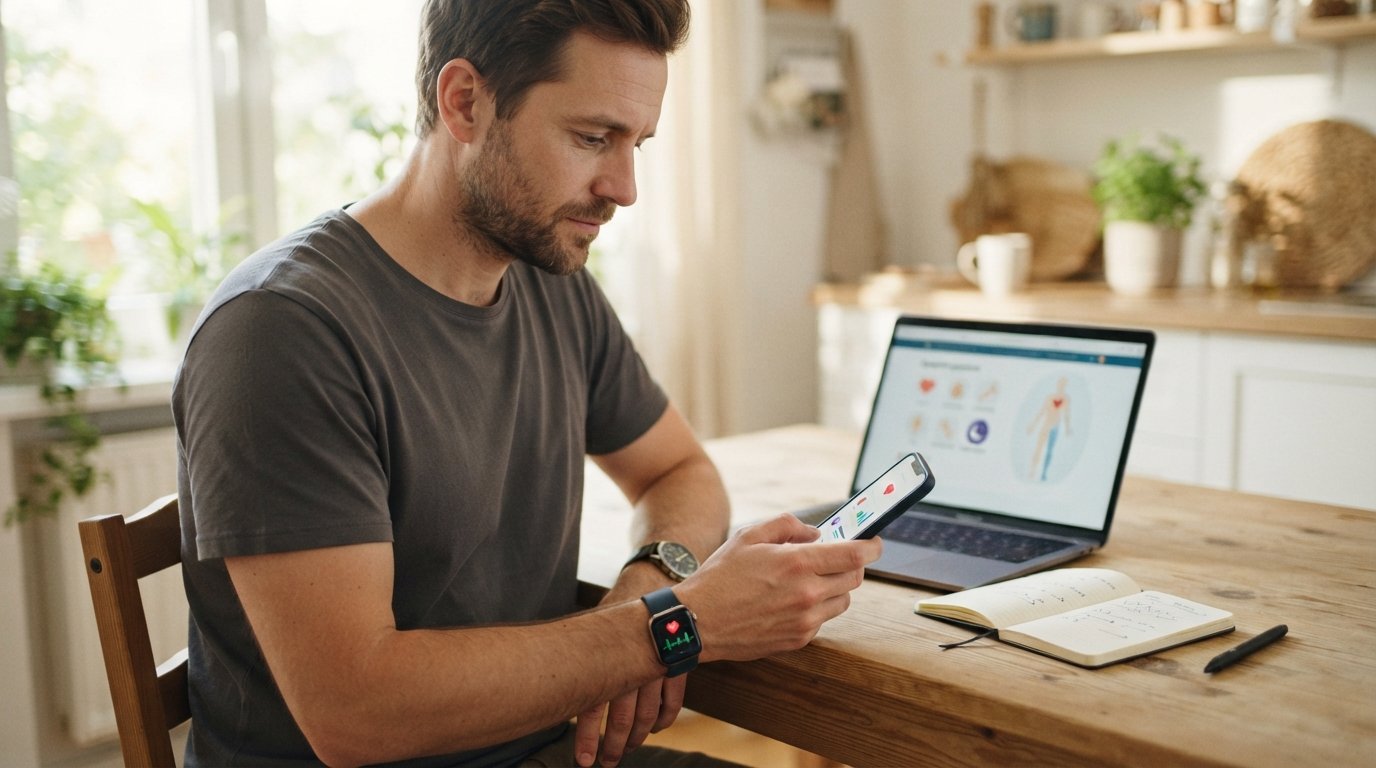
Reading About Medical Software That Checks Health From Home
Reading about medical software that checks health from home clarifies what symptom checkers and trackers can do, their limits, and how to share data with a clinician.

The idea of checking your health from home with medical software is appealing for obvious reasons: no waiting rooms, no travel time, and the convenience of a quick answer on your phone. But before you download the first symptom checker you see or connect a wearable to a health app, it is worth understanding what these tools actually do, what they cannot do, and how to use them safely. This article walks through the categories of home health software, explains why their outputs are not diagnoses, shows how to bring device data to a clinician conversation, and highlights privacy questions to consider. Along the way, we will connect the dots to telehealth education, because reading about medical software that checks health from home is often the first step toward a more informed conversation with a licensed clinician.
What Home Health Software Actually Does
Home health software covers a broad range of tools, from simple symptom checkers to connected devices that stream data to an app. The common thread is that these tools collect, organize, or interpret health-related information outside of a clinical setting. They are not a replacement for a licensed clinician, but they can support education and self-monitoring. Understanding the categories helps you set realistic expectations.
One useful way to think about these tools is by their primary function. Some are designed to help you learn about symptoms, others to track habits or vital signs over time, and still others to connect devices such as blood pressure cuffs or glucose meters to a smartphone. Each category has strengths and limits, and none of them can diagnose a condition on its own.
- Symptom checkers: These apps ask you to select symptoms and then offer possible explanations or guidance on next steps. They are educational tools, not diagnostic devices.
- Trackers: These help you log mood, sleep, activity, nutrition, or medication adherence. They are useful for spotting patterns and preparing for clinician visits.
- Connected devices: These include Bluetooth-enabled blood pressure monitors, scales, glucose meters, pulse oximeters, and wearables that measure heart rate or sleep. They collect data that can be shared with a clinician.
- Telehealth platforms: These are services that connect you with a licensed clinician remotely. They are not the same as self-check apps, and it is important to know the difference.
The key distinction is between tools that educate and tools that provide care. DoctorsHome, for example, is an educational site about telehealth treatments for men and women. It explains the topics people look up on telehealth platforms, including weight loss, sexual health, hair, skin, herpes, birth control, menopause, and mental health. Each page names medications clinicians commonly discuss and notes the safety points a licensed clinician still has to review. DoctorsHome does not diagnose, prescribe, sell medication, or book visits. That distinction matters when you are reading about medical software that checks health from home: the software may help you learn and track, but a licensed clinician is the only person who can evaluate your situation and decide on treatment.
What These Tools Can and Cannot Tell You
Home health software can be genuinely helpful for education and awareness. A symptom checker might help you understand that your headache and fatigue could have several explanations, prompting you to seek care rather than ignore symptoms. A tracker can show you that your sleep has been poor for two weeks, which is useful information to bring to a clinician. A connected blood pressure cuff can give you a series of readings over time, which is far more informative than a single measurement in a clinic.
However, these tools cannot tell you what condition you have. They cannot rule out serious illness, and they cannot prescribe medication. A symptom checker that lists "possible causes" is offering possibilities, not a diagnosis. A wearable that flags an irregular heart rhythm is a prompt to seek evaluation, not a confirmation of a specific arrhythmia. Understanding this boundary is essential for using these tools responsibly.
Consider a common scenario: you use a symptom checker for chest pain. The app might suggest muscle strain, acid reflux, or anxiety. It might also suggest seeking emergency care. The app cannot examine you, order an EKG, or take a history in the way a clinician can. If you have chest pain, the safe response is to call 911 or seek emergency care, not to rely on an app's output. Similarly, a mental health app that screens for depression might flag symptoms, but it cannot provide a diagnosis or crisis support. If you are in crisis, call or text 988 for the Suicide and Crisis Lifeline.
The limits of these tools are not a flaw; they are a feature of their design. They are built to inform and to prompt appropriate care, not to replace it. Reading about medical software that checks health from home should leave you with a clear sense of those limits and a plan for when to escalate to a licensed clinician.
Why Outputs Are Not Diagnoses
The output of a home health app is not a diagnosis because diagnosis requires clinical judgment that software cannot replicate. A diagnosis involves taking a detailed history, performing a physical exam, ordering and interpreting tests, and considering the full context of a person's life and health. Software can collect some of that information, but it cannot integrate it with the same depth as a trained clinician.
There is also the issue of false reassurance and false alarm. A symptom checker might underestimate the seriousness of a symptom, leading someone to delay care. Or it might overestimate risk, causing unnecessary anxiety. Neither outcome is desirable, and both are more likely when the tool is used as a substitute for professional evaluation rather than as a supplement to it.
Regulators recognize this distinction. Many symptom checkers and wellness apps are not classified as medical devices, and they are not reviewed by the FDA for diagnostic accuracy. Even tools that are regulated as medical devices, such as certain glucose monitors, are intended to support monitoring and management, not to independently diagnose new conditions. This is why the output of these tools should always be treated as information to discuss with a clinician, not as a final answer.
For those reading about medical software that checks health from home, the practical takeaway is simple: use these tools to learn and to prepare, but do not use them to self-diagnose or to decide on treatment. A licensed clinician is the only person who can evaluate your symptoms, consider your history, and recommend a plan.
How to Bring Device Data to a Clinician Conversation
One of the most valuable uses of home health software is preparing for a conversation with a licensed clinician. Device data can make that conversation more productive and more precise. Instead of saying "I think my blood pressure is high," you can share a log of readings over several weeks. Instead of describing vague sleep problems, you can show patterns from a tracker. This kind of data helps clinicians see the bigger picture.
Here is a simple framework for bringing device data to a clinician conversation:
- Collect consistently: Use your device as directed and at similar times each day. Consistency makes the data more useful.
- Log context: Note anything that might affect the reading, such as medication timing, stress, or activity. Many apps allow you to add notes.
- Summarize the data: Before your visit, review your log and identify patterns or outliers. A simple summary, such as "my morning readings averaged 135/85 over two weeks," is more useful than raw numbers.
- Share the source: Bring your device or app to the visit, or export a report if the app supports it. This helps the clinician understand how the data was collected.
- Ask questions: Use the data as a starting point for questions, not as a conclusion. For example, "My log shows my sleep has been poor for a month; could this be related to my fatigue?"
This approach works for many types of data, including blood pressure, glucose, weight, sleep, and mood. It also applies to telehealth visits. If you are using a telehealth platform, you may be able to upload or share your data before the visit. DoctorsHome is an educational site that explains topics people look up on telehealth platforms, including weight loss, sexual health, hair, skin, herpes, birth control, menopause, and mental health. Each page names medications clinicians commonly discuss and notes the safety points a licensed clinician still has to review. Reading about medical software that checks health from home on an educational site like DoctorsHome can help you understand what data is relevant and what questions to ask, even though DoctorsHome itself does not diagnose, prescribe, sell medication, or book visits.
The goal is not to overwhelm your clinician with data but to provide useful context. A brief, organized summary is often more helpful than a massive export. And always remember that device data is one piece of the puzzle; your clinician will also consider your history, symptoms, and other factors.
Privacy Questions to Consider Before Using an App
Before you enter personal health information into any app or connect a device, it is worth asking some privacy questions. Health data is sensitive, and not all apps handle it the same way. Understanding the privacy landscape helps you make informed choices.
Start with the basics: Who operates the app, and what is their business model? If the app is free, how does the company make money? Some apps sell anonymized data to advertisers or researchers; others charge a subscription. Read the privacy policy, even if it is long, and look for clear statements about how your data is used and shared. Pay attention to whether the app shares data with third parties and whether you can opt out.
Here are some specific questions to ask:
- What data does the app collect? Does it collect only what you enter, or does it also access your device's sensors, location, or contacts?
- How is the data stored and protected? Look for encryption in transit and at rest, and for clear security practices.
- Who can access the data? Is it shared with the app's partners, advertisers, or researchers? Can you delete your data?
- Is the app covered by HIPAA? Many consumer health apps are not covered by HIPAA, which means different privacy rules apply. Understand what protections you have.
- What happens if you stop using the app? Can you export or delete your data? Is it retained after you close your account?
These questions matter because health data can reveal a lot about you, from your mental health to your reproductive choices. Reading about medical software that checks health from home should include a privacy lens, especially if you are considering sharing data with a telehealth platform or a clinician. A reputable platform will be transparent about its privacy practices and will give you control over your data.
It is also worth noting that privacy laws vary by state and country. If you are using an app that operates across borders, your data may be subject to different legal protections. When in doubt, choose apps with clear, user-friendly privacy policies and avoid those that seem evasive or overly complex.
Connecting Home Health Software to Telehealth Education
Home health software and telehealth education are natural companions. The software helps you collect and organize information; telehealth education helps you understand what that information means and what options exist. For example, you might use a tracker to log symptoms of menopause, then read educational content about menopause treatments on a site like DoctorsHome to learn about medications clinicians commonly discuss and the safety points a licensed clinician still has to review. This combination can make your eventual conversation with a clinician more productive.
DoctorsHome is an educational site about telehealth treatments for men and women. It explains the topics people look up on telehealth platforms, including weight loss, sexual health, hair, skin, herpes, birth control, menopause, and mental health. Each page names medications clinicians commonly discuss and notes the safety points a licensed clinician still has to review. DoctorsHome does not diagnose, prescribe, sell medication, or book visits. That means when you read about medical software that checks health from home on DoctorsHome, you are getting educational context, not medical advice. The site can help you understand what questions to ask and what safety considerations to keep in mind, but it cannot tell you what to do.
This division of labor is important. Software and educational sites can inform and prepare you, but they cannot replace a licensed clinician. If you are experiencing symptoms that concern you, the right next step is to seek care from a qualified professional. If you are in crisis, call or text 988. If you have a medical emergency, call 911.
Reading about medical software that checks health from home is a useful starting point, but it is only a starting point. The goal is to use these tools wisely, to understand their limits, and to bring what you learn into a conversation with a licensed clinician who can provide personalized care.